Overview
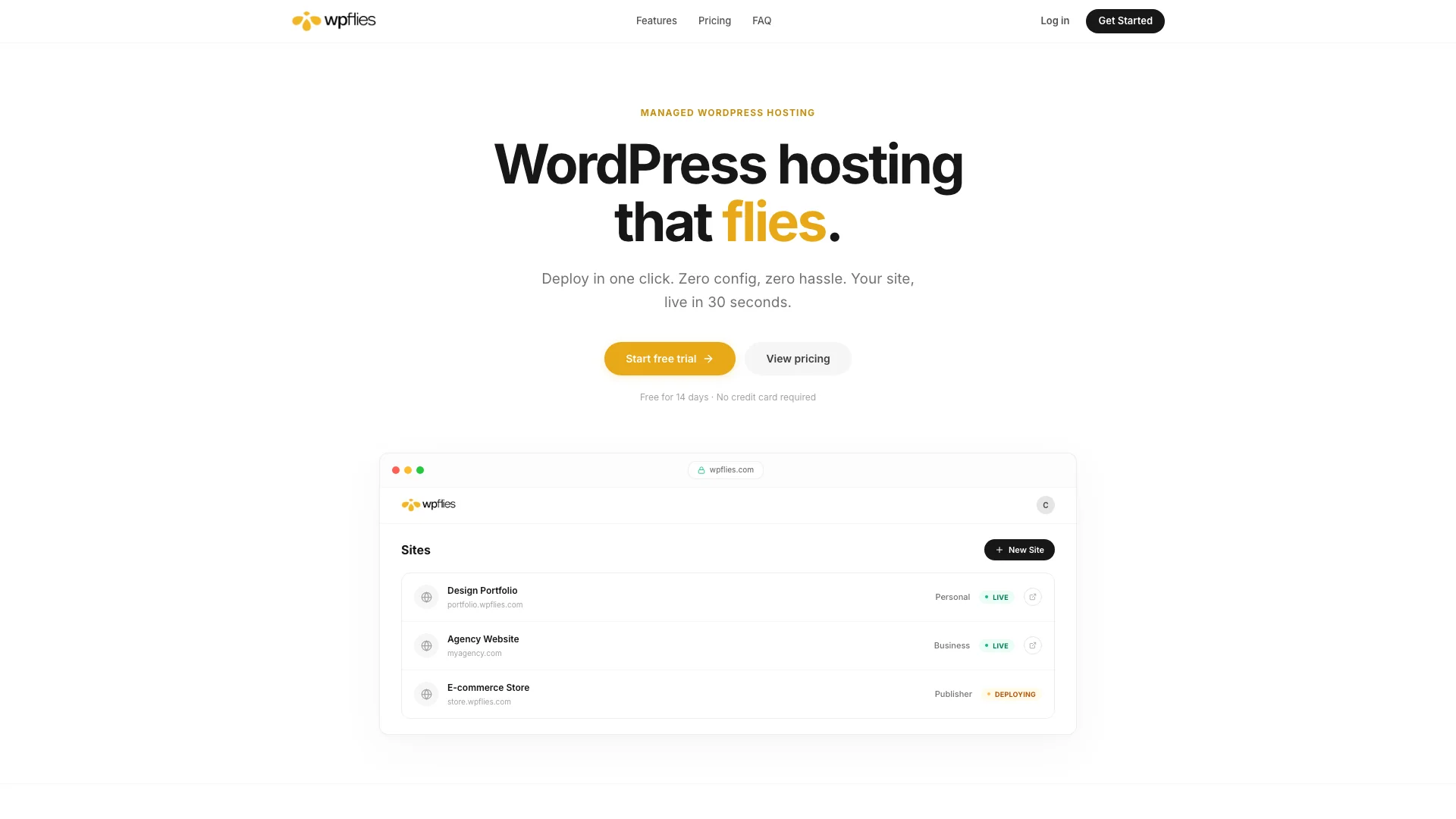
WPFlies is a complete managed WordPress hosting business in one codebase. A customer signs up, picks a plan, pays and names their site; WordPress is then deployed in its own container with automatic SSL, and a simple dashboard manages it.
We designed the product and the infrastructure behind it, with the goal of running it almost entirely on free cloud allowances.
Tech stack
- Customer portal. Next.js 14 with React 18, TypeScript, Tailwind CSS and Radix UI, with NextAuth for sign-in including two-factor, and Prisma on PostgreSQL.
- Infrastructure. Google Cloud Compute Engine nodes running Docker, with Traefik as the reverse proxy and Let’s Encrypt for automatic SSL, driven from the portal through the Docker API.
- Edge. Cloudflare in front for DDoS protection, a WAF and CDN caching, and its Bandwidth Alliance with Google Cloud to avoid egress charges.
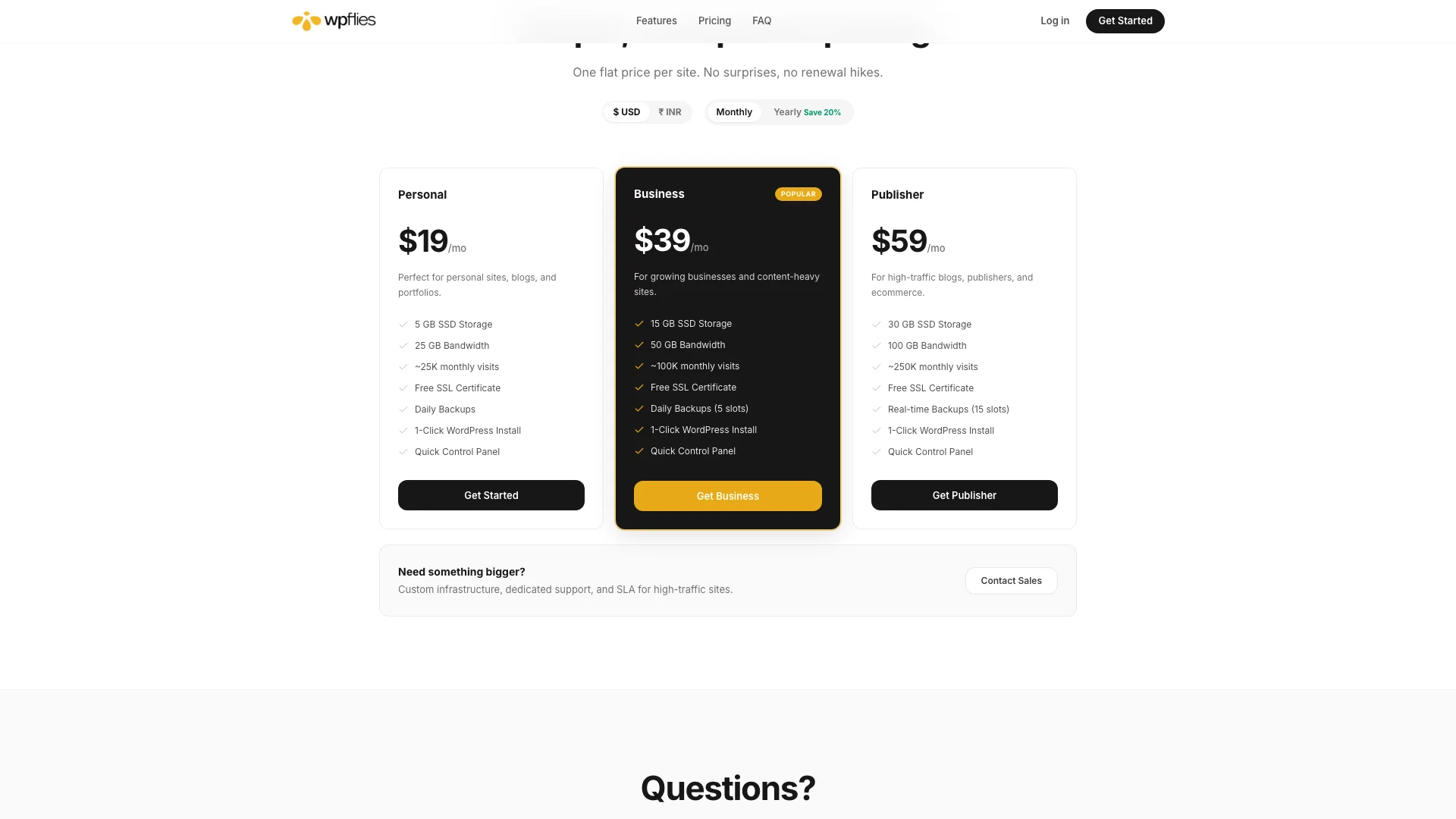
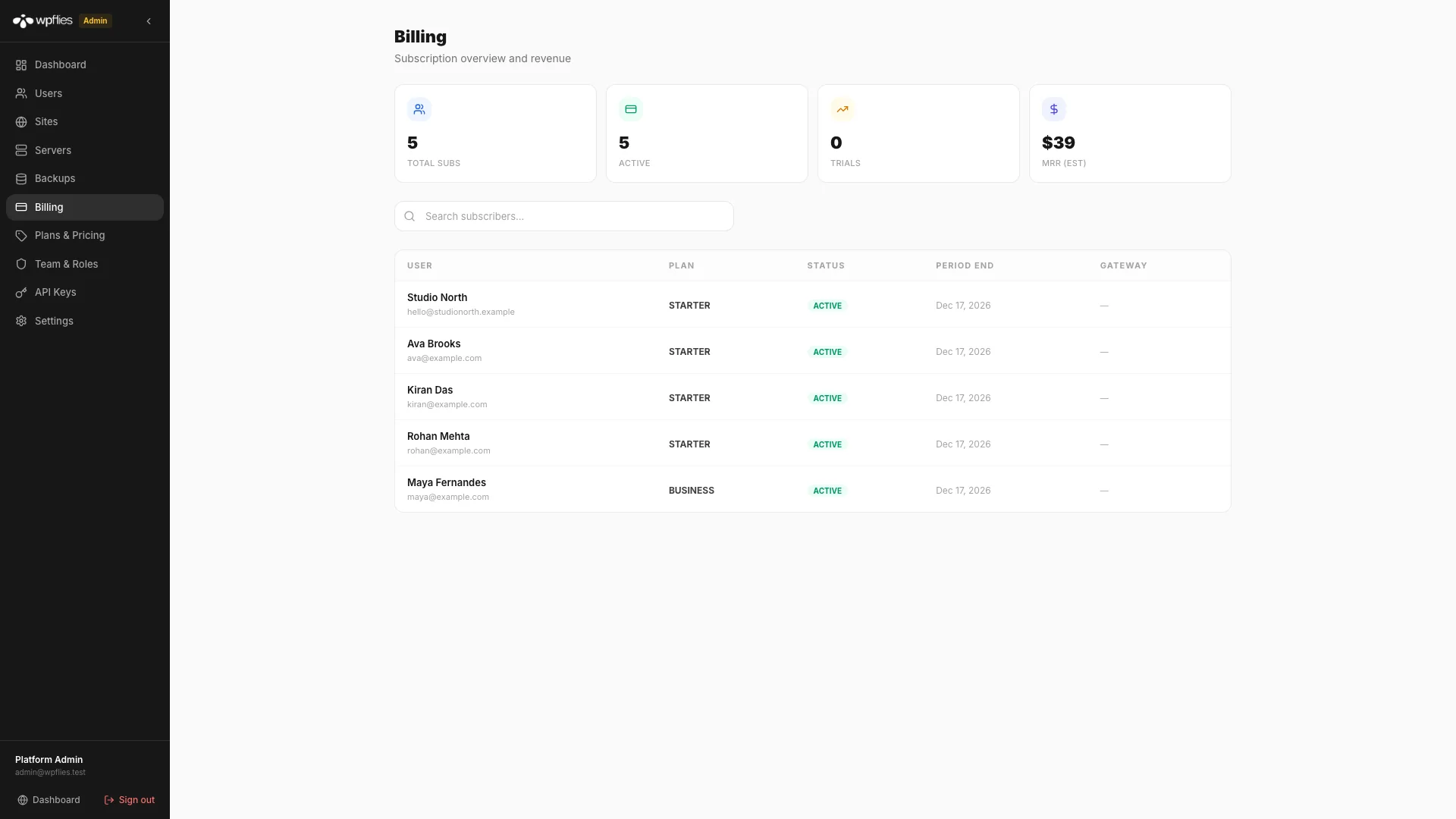
- Billing. Stripe and Razorpay, with plans in USD or INR, monthly or yearly, and PDF invoices.
The control plane and the data plane
The customer portal is the control plane and runs on free hosting. The data plane is a fleet of small virtual machines. Each runs Traefik and a handful of customer sites, and each site is a dedicated WordPress container with its own network and CPU and RAM shares. Sites on a node share one MariaDB process for memory efficiency but have their own database, user and random password.
Provisioning without an operator
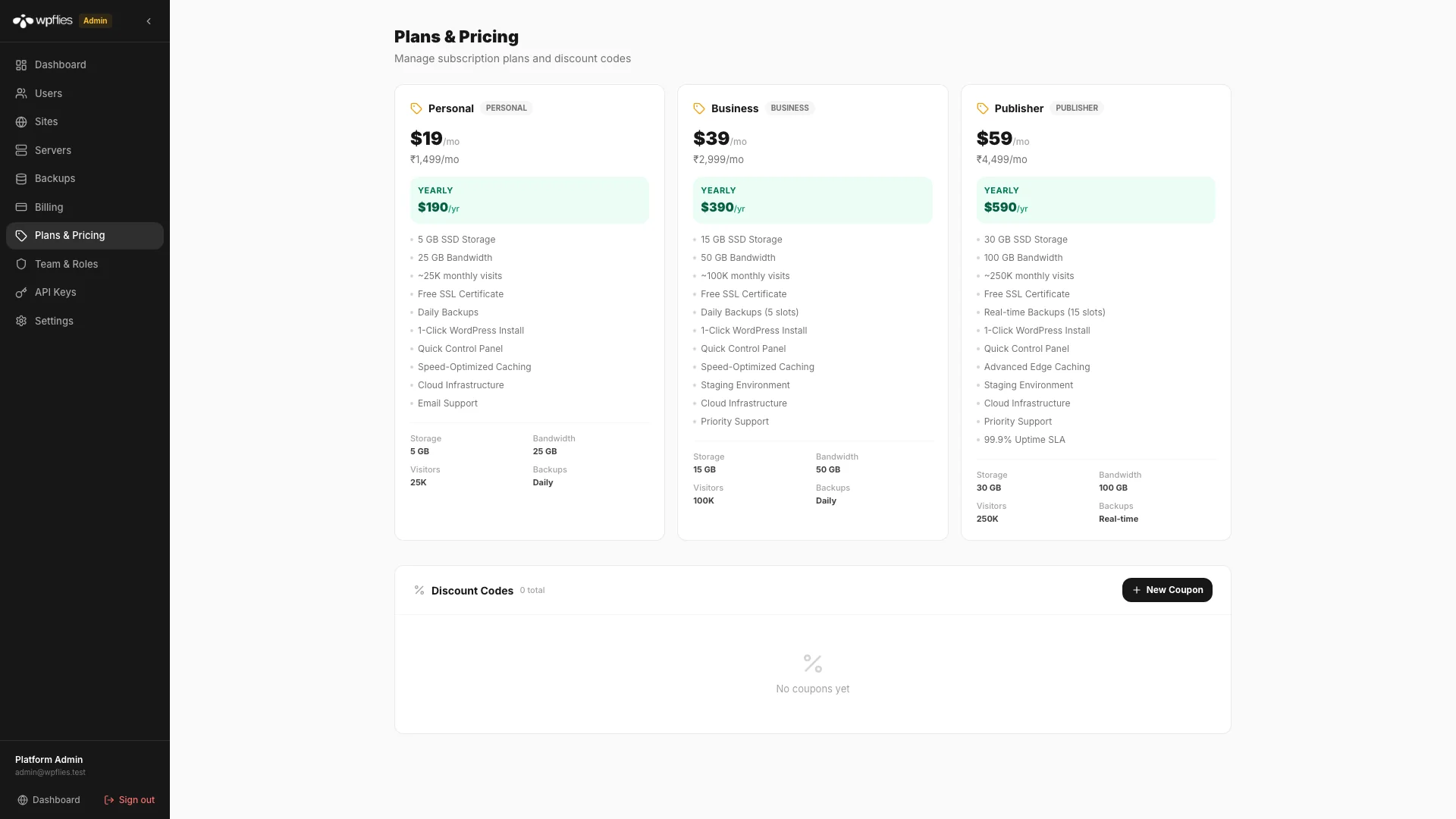
- Slot search. A new site first looks for an active node with an open slot (a Personal site takes one, a Business site two, a Publisher site a whole node), filling free capacity before buying more.
- Auto-provision. If there is no slot, a new virtual machine is created, and its startup script installs Docker and Traefik and adds a 2 GB swap file for stability. Zone selection cycles through the zones to get around resource-exhausted errors.
- Scaling. A monitor checks disk use on every node and resizes the disk online when it passes 90%. Upgrading a plan migrates the site: dump the database, archive wp-content, move it to a larger node, restore the containers and update DNS.
- Security. The Docker API is closed to the public internet and reachable only through a private VPC connector, and node management uses identity-aware SSH.
The customer dashboard
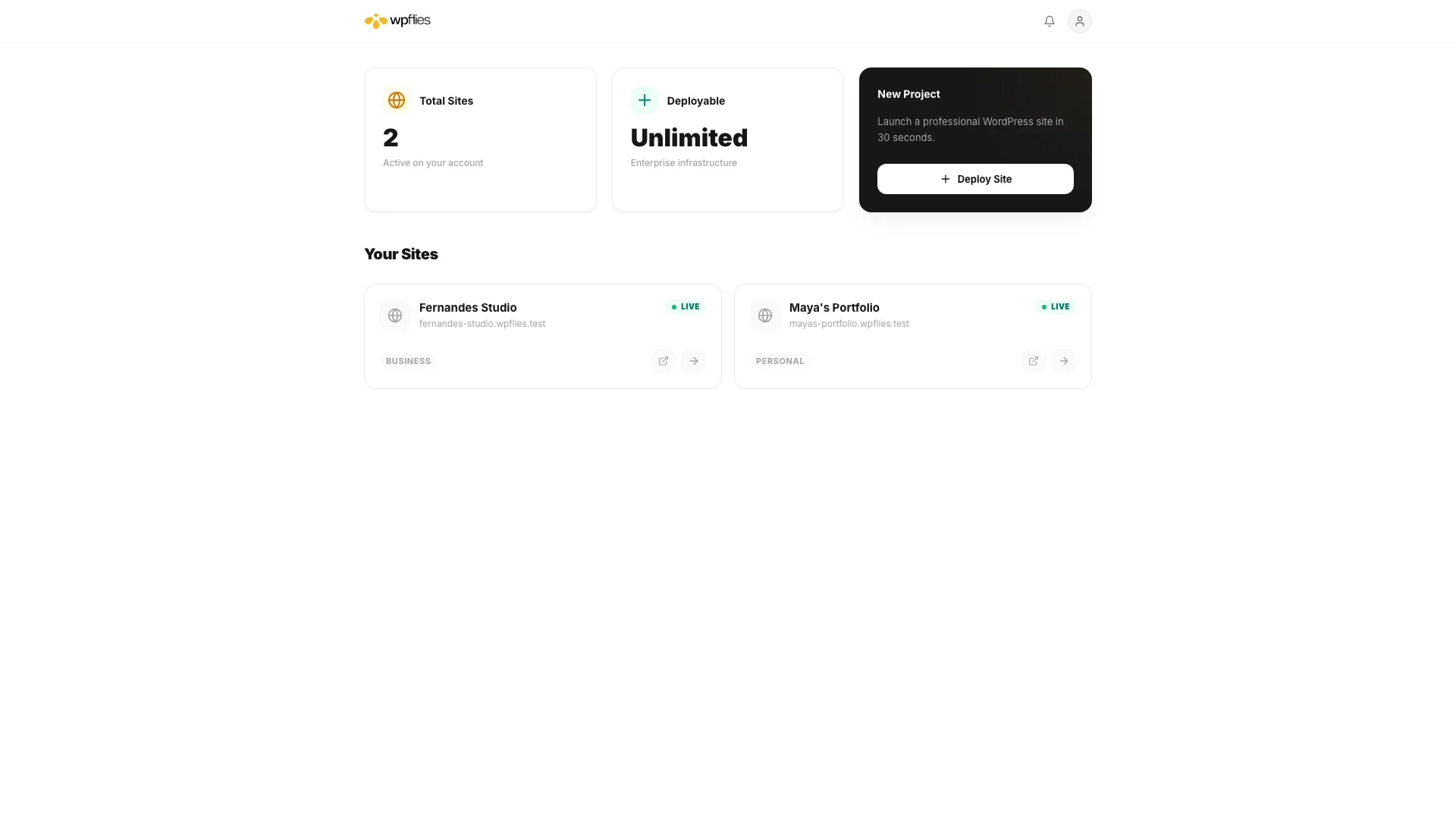
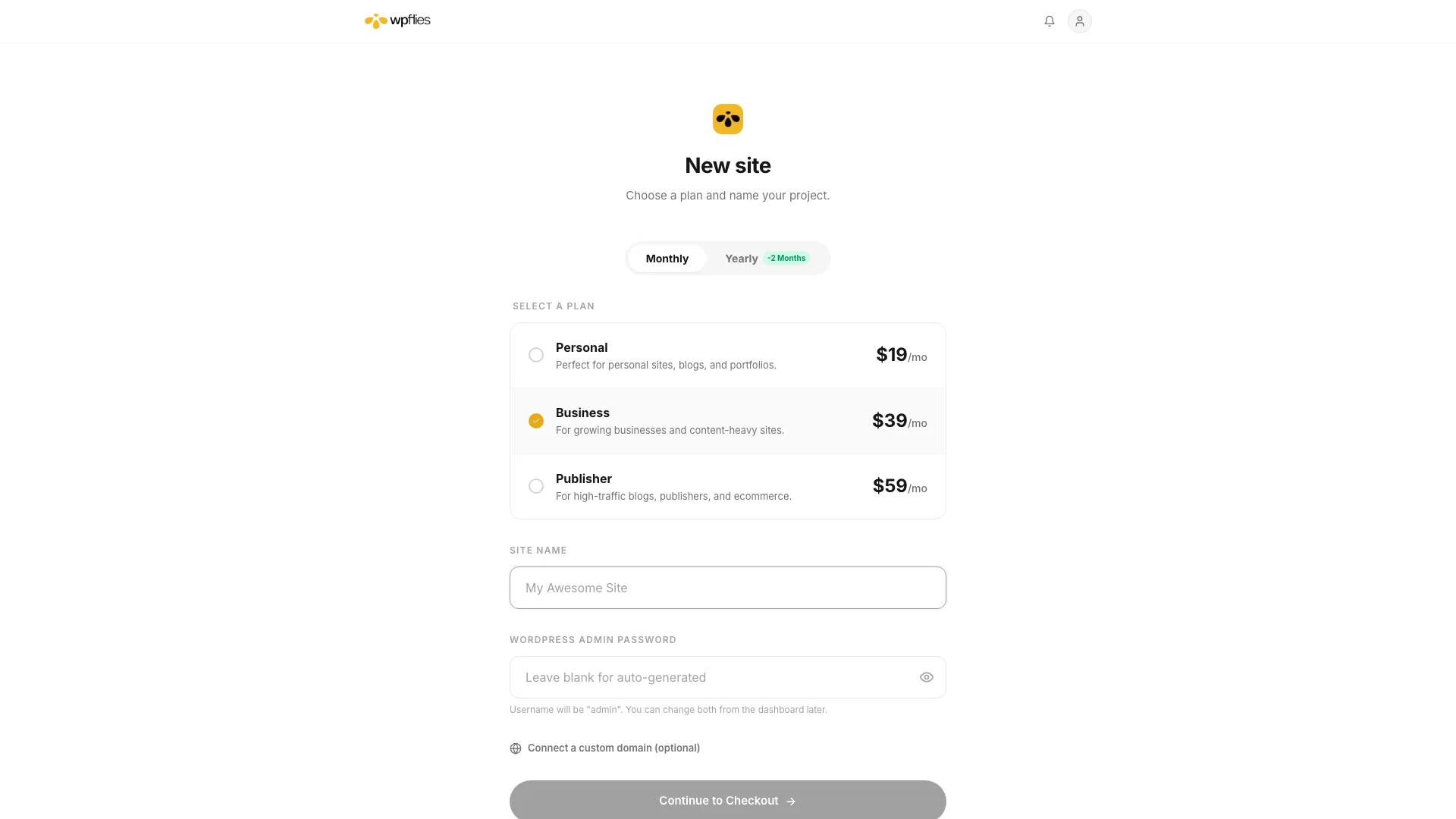
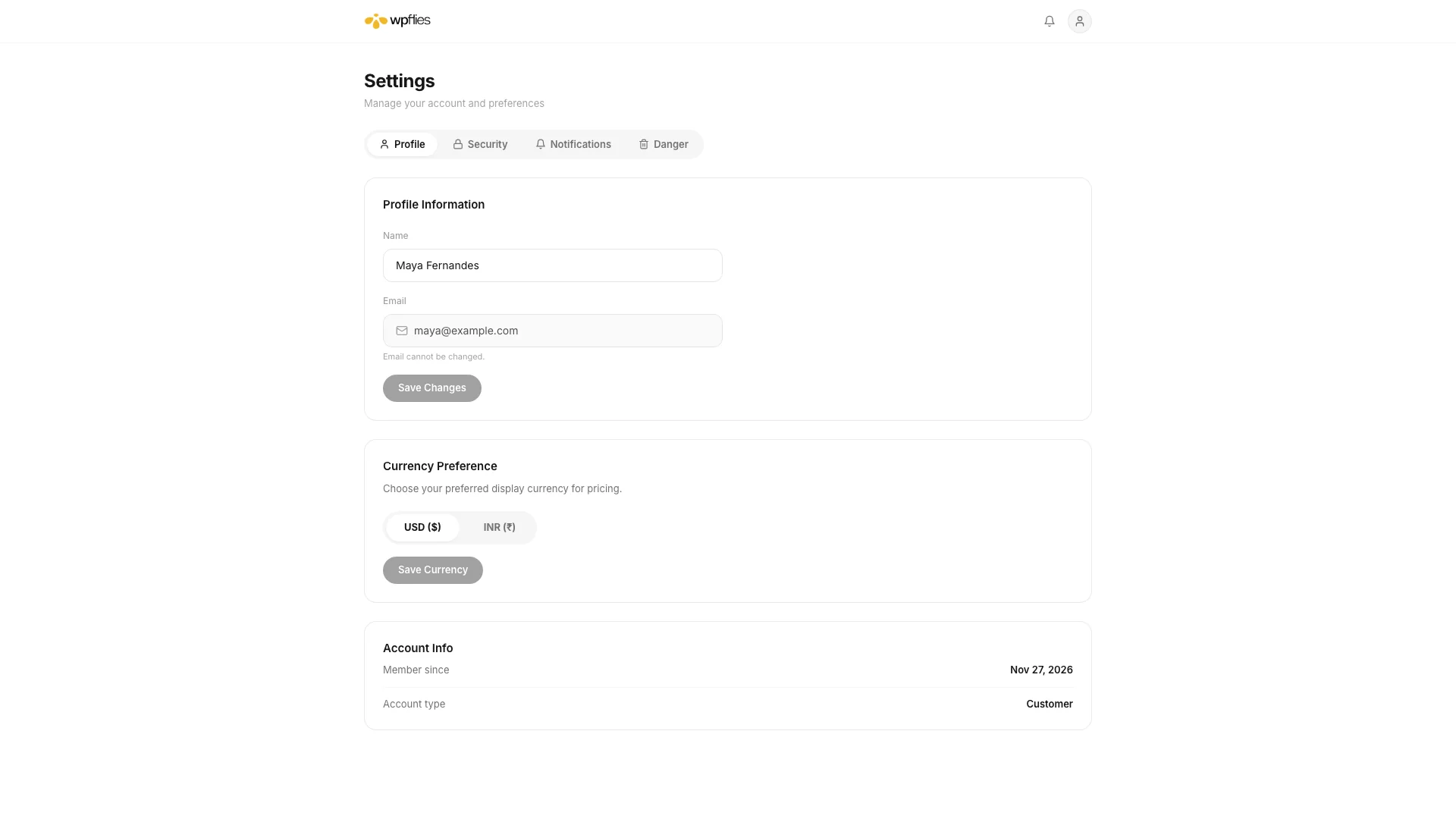
Customers see their sites at a glance, with status, plan and a link to open each one. Creating a site is one screen: choose a plan (Personal, Business or Publisher, monthly or yearly), name the project, optionally set the WordPress admin password and connect a custom domain, then continue to checkout. Settings cover the profile, security with two-factor, notifications, currency and account deletion.
The admin
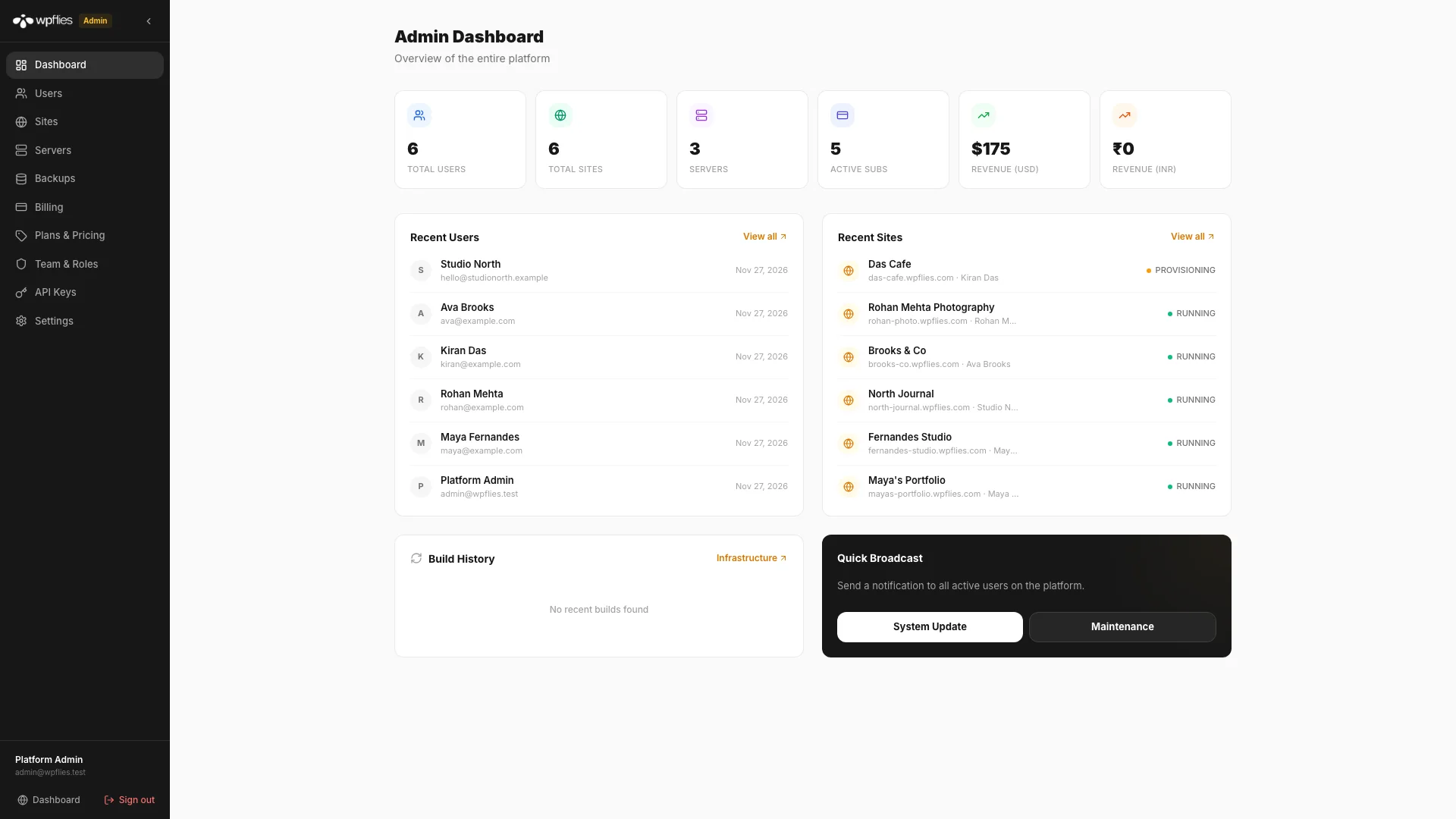
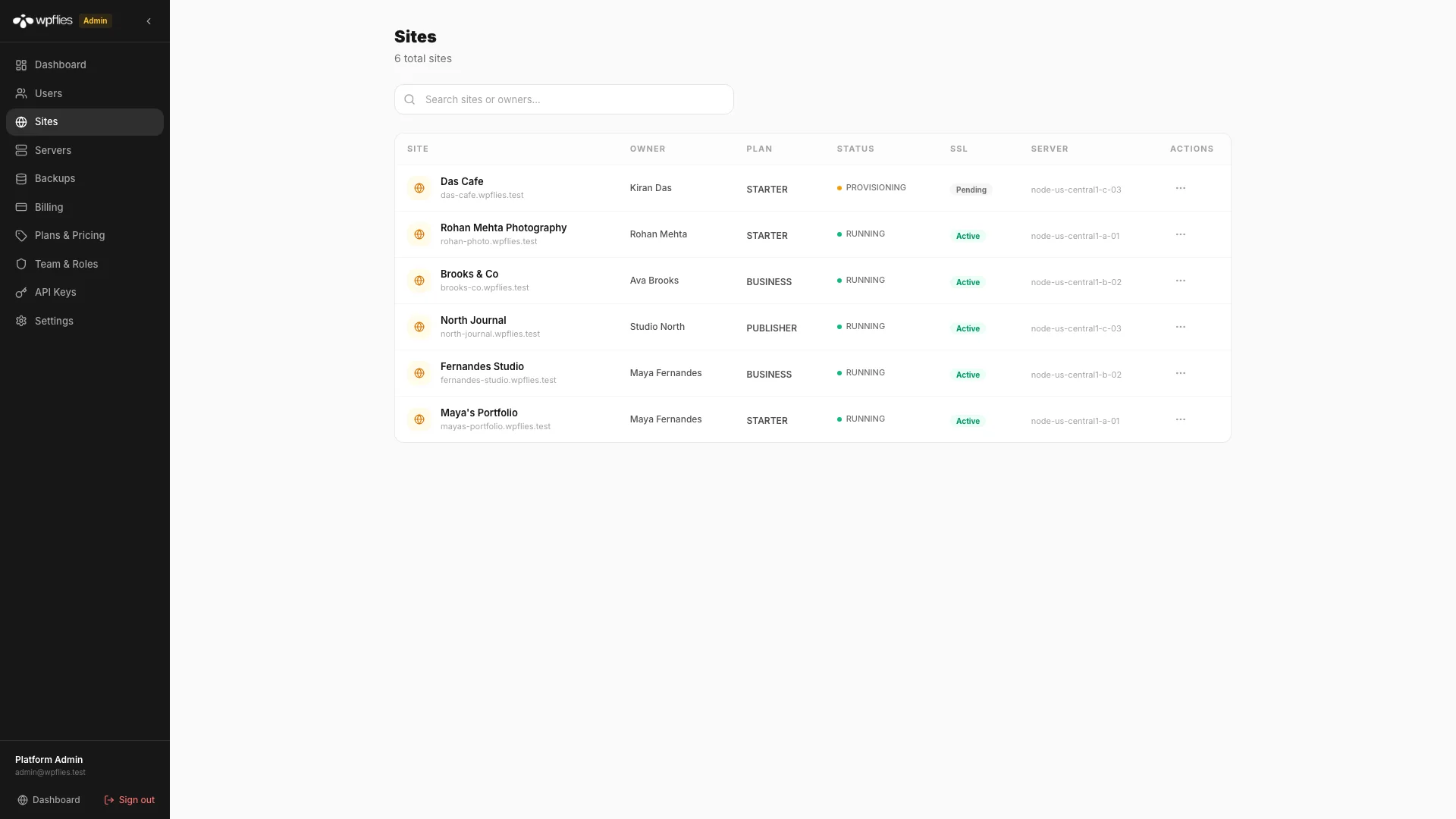
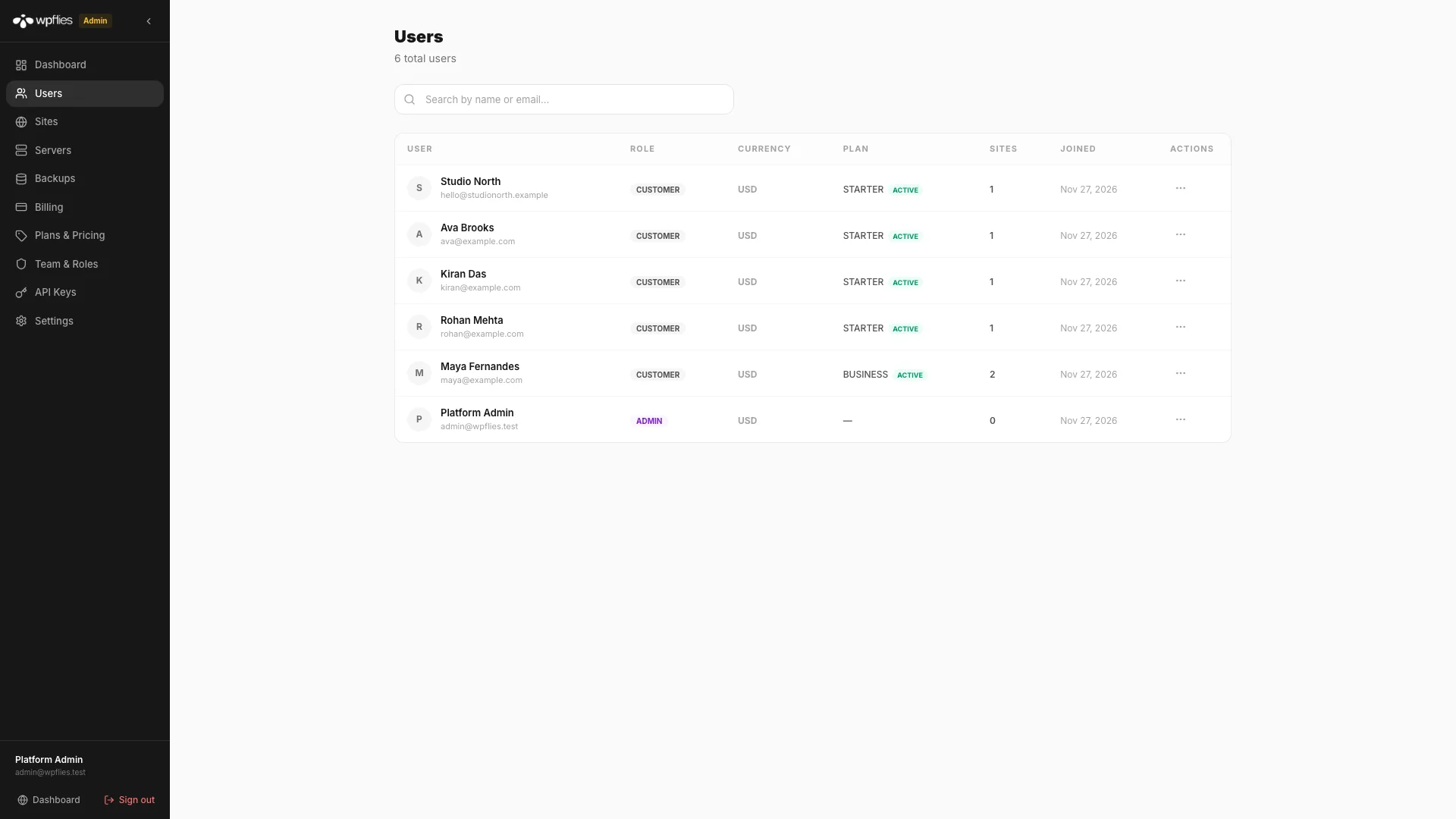
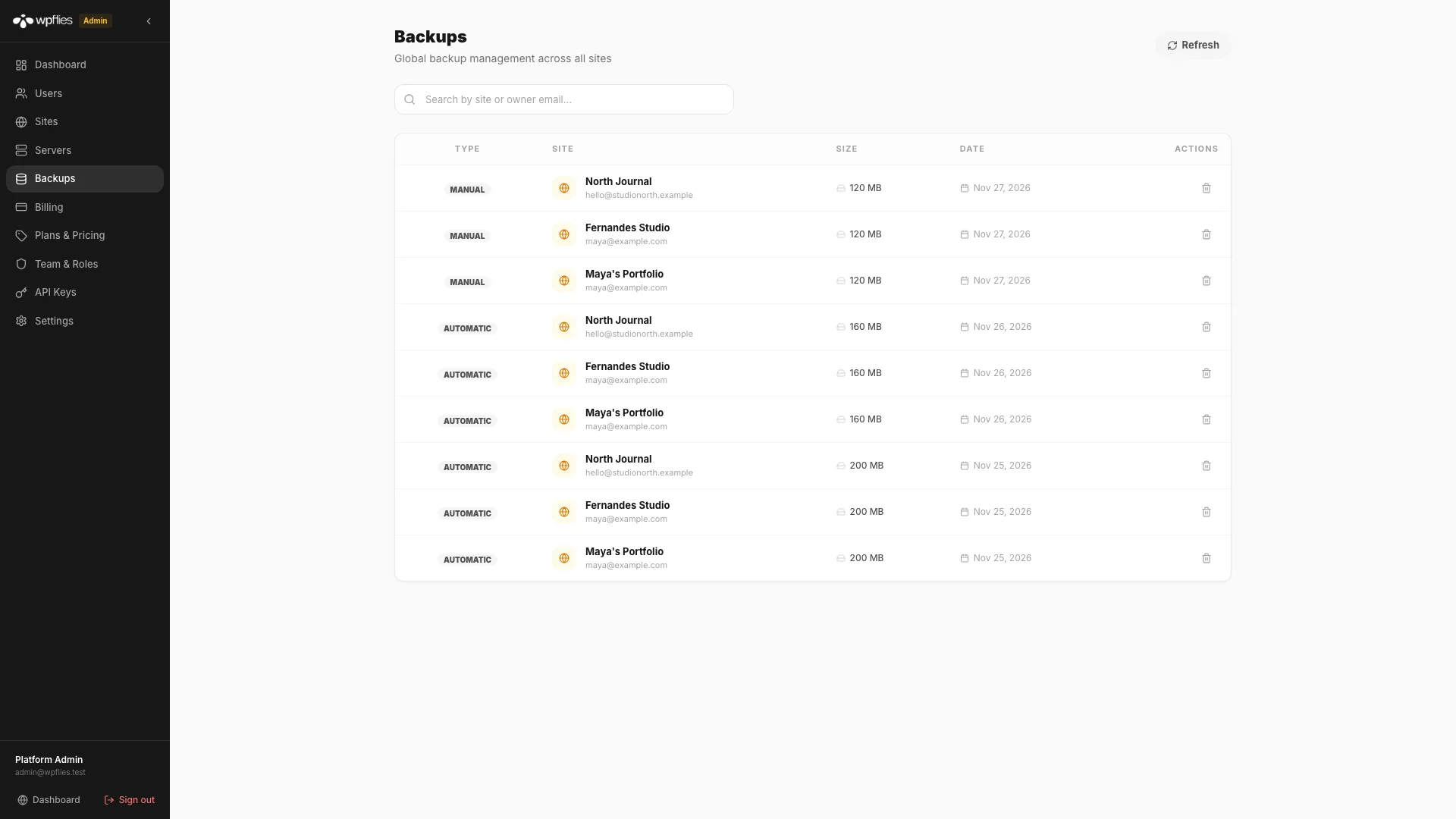
The platform team gets its own area with an overview of users, sites, servers, active subscriptions and revenue in both currencies, then sites, users, billing, backups and plans with discount codes. The screens shown here use a demo database.
Operations
The admin also covers infrastructure health and monthly cost, manual triggers for monitoring and warm-pool tasks, server reclaim for empty or orphaned machines, sites, users, plans, billing, backups and API keys. Per-site backups use snapshots with an off-site script, and the plans are priced so the margin stays high by maximising the free tier.
Our Role at Pixelvise
Pixelvise handled the work end to end:
- Product and business model
- Customer portal, admin and billing in Next.js
- Provisioning, scaling and monitoring on Google Cloud with Docker and Traefik
- Security, backup and migration design