Overview
We rebuilt pixelvise.com from the ground up, and we want to document it properly: how it is put together, why we made each decision, and how the pieces fit with the two mobile apps we use to run it. If you are planning something similar, or just curious how we work, this is the whole picture.
The short version: the public site is plain static files on Cloudflare Pages, which makes it fast and almost impossible to take down. WordPress is still the source of truth for every piece of content. A small custom admin and two mobile apps sit on top of WordPress, so running the site never means opening wp-admin.
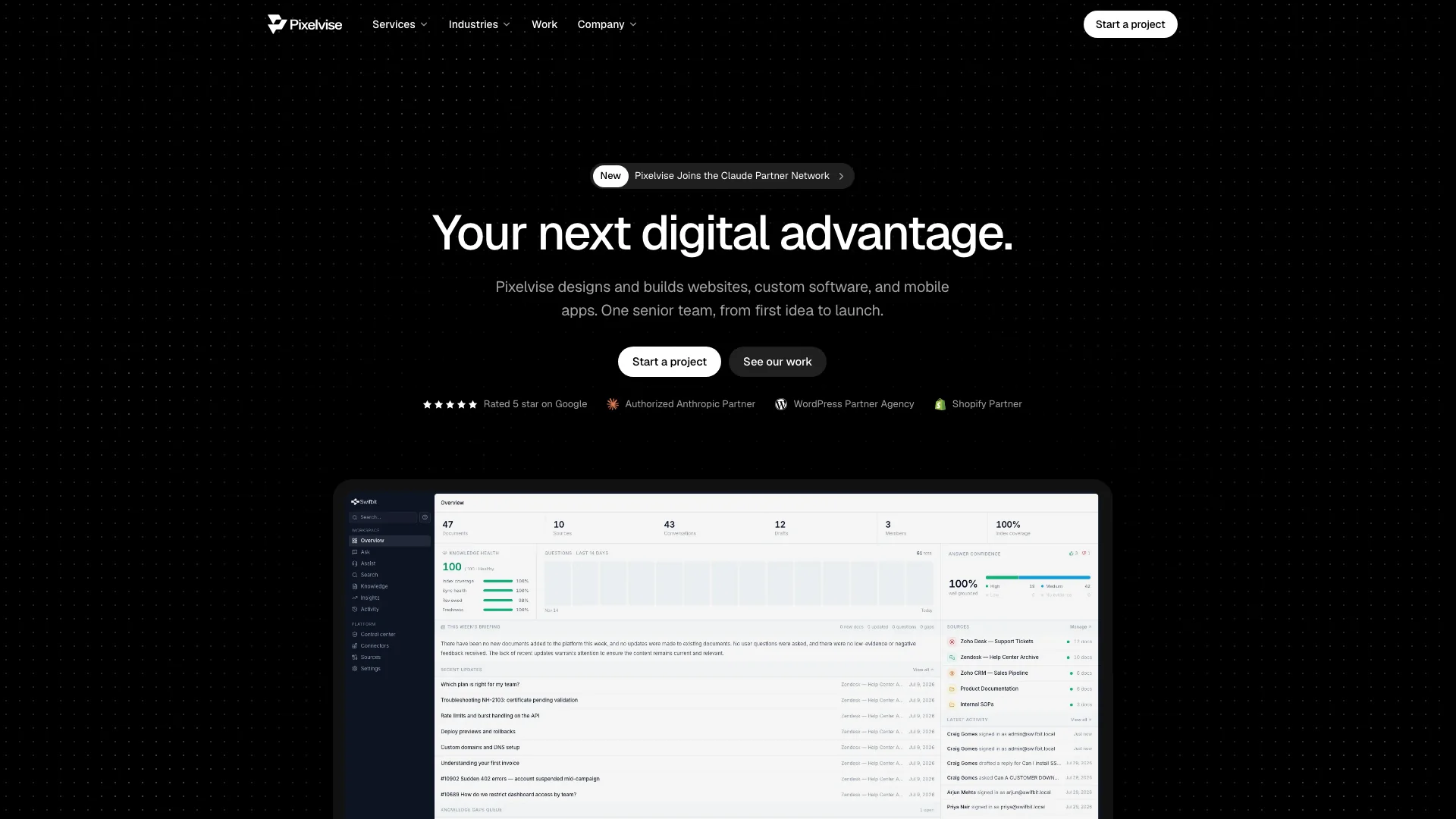
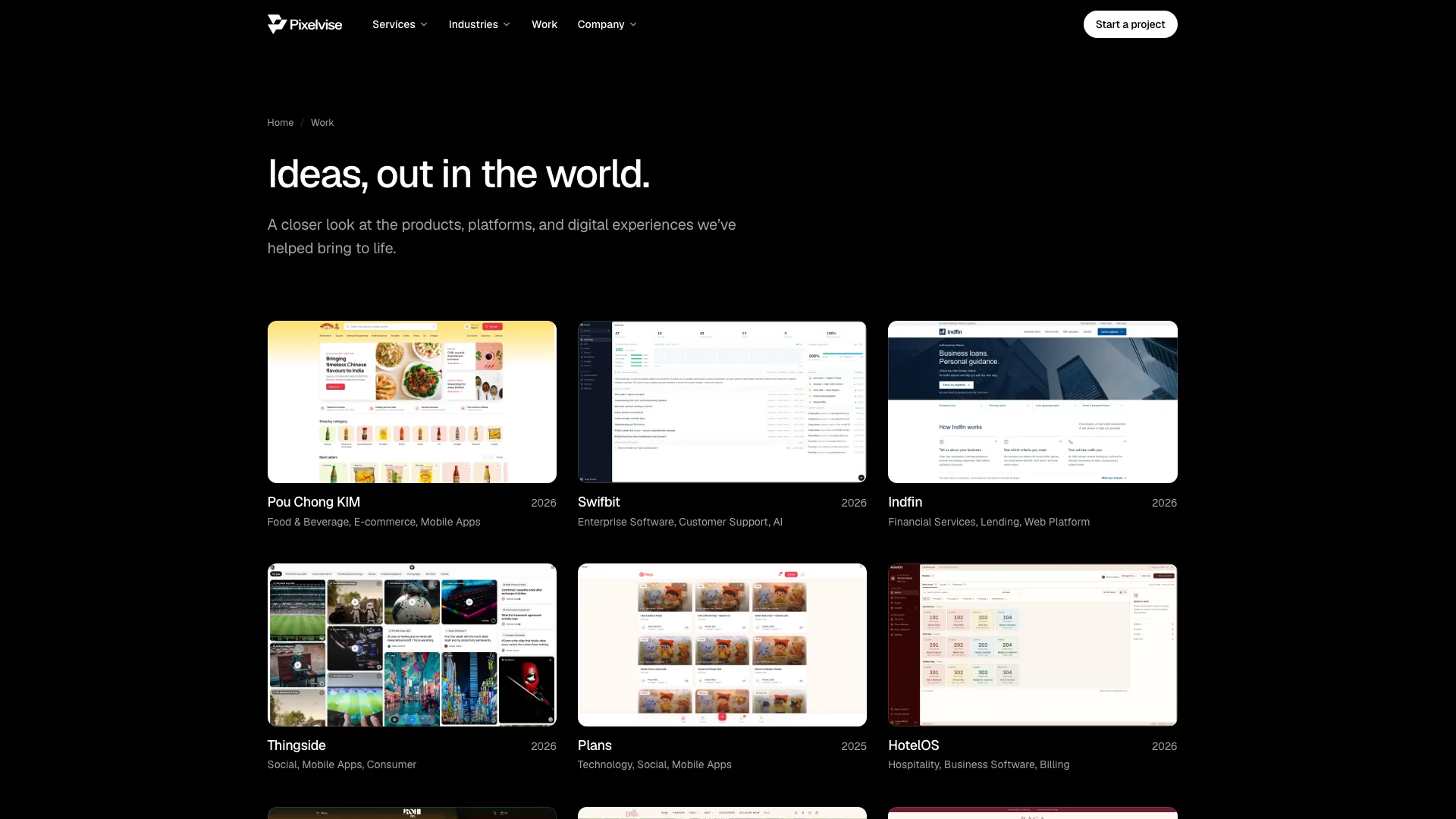
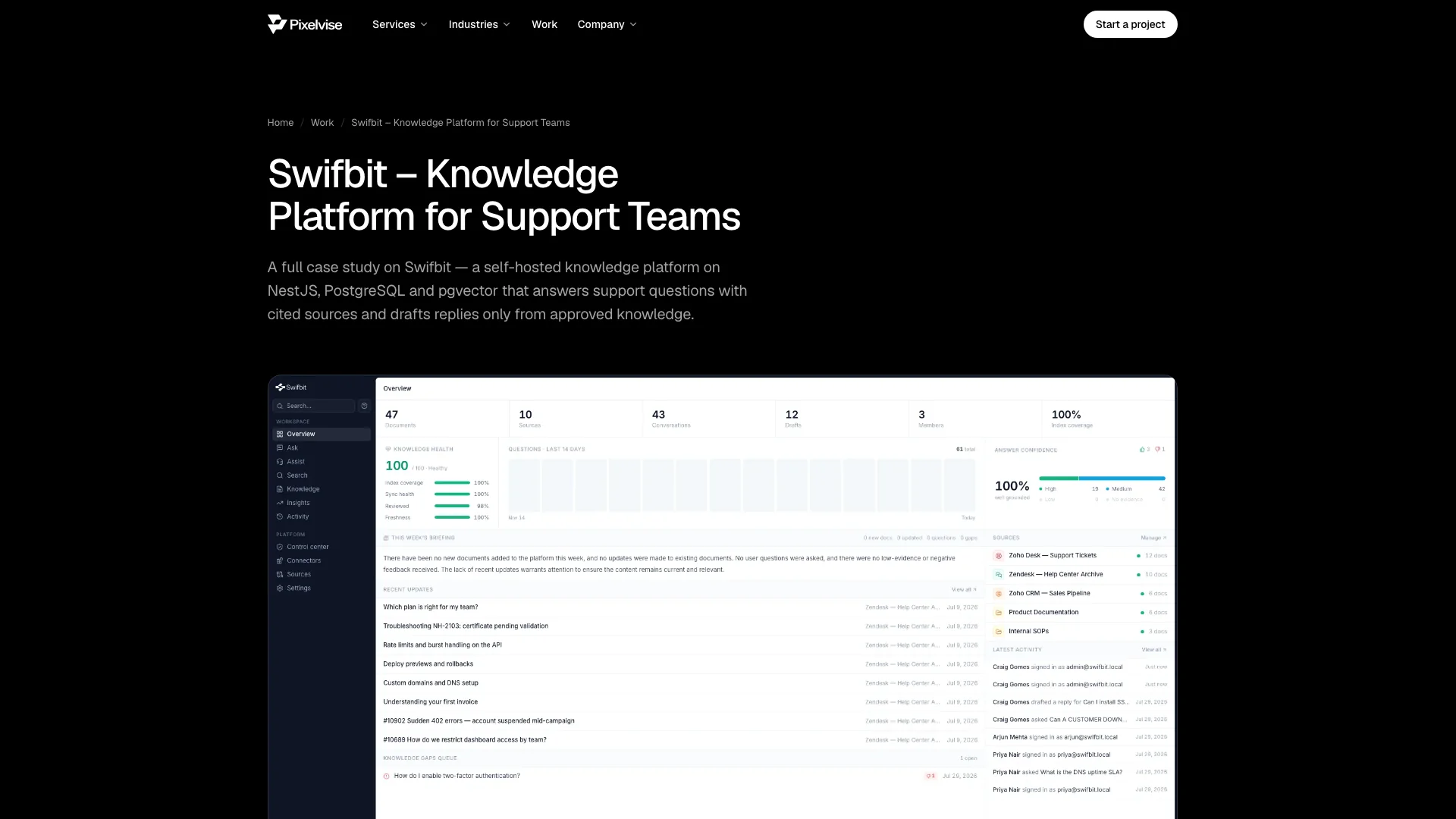
The architecture at a glance
- Public site. Next.js 16 with React 19 and TypeScript, built to static HTML and served from Cloudflare Pages. There is no server of our own in the request path.
- Content. WordPress at cms.pixelvise.com holds case studies, articles, notes, events, enquiries, applications, comments and likes. It is never shown to visitors directly.
- Plugins. Two small custom plugins, Pixelvise Site and Pixelvise Insights, add the content types, the endpoints, the comments and likes, the admin sign-in and the analytics.
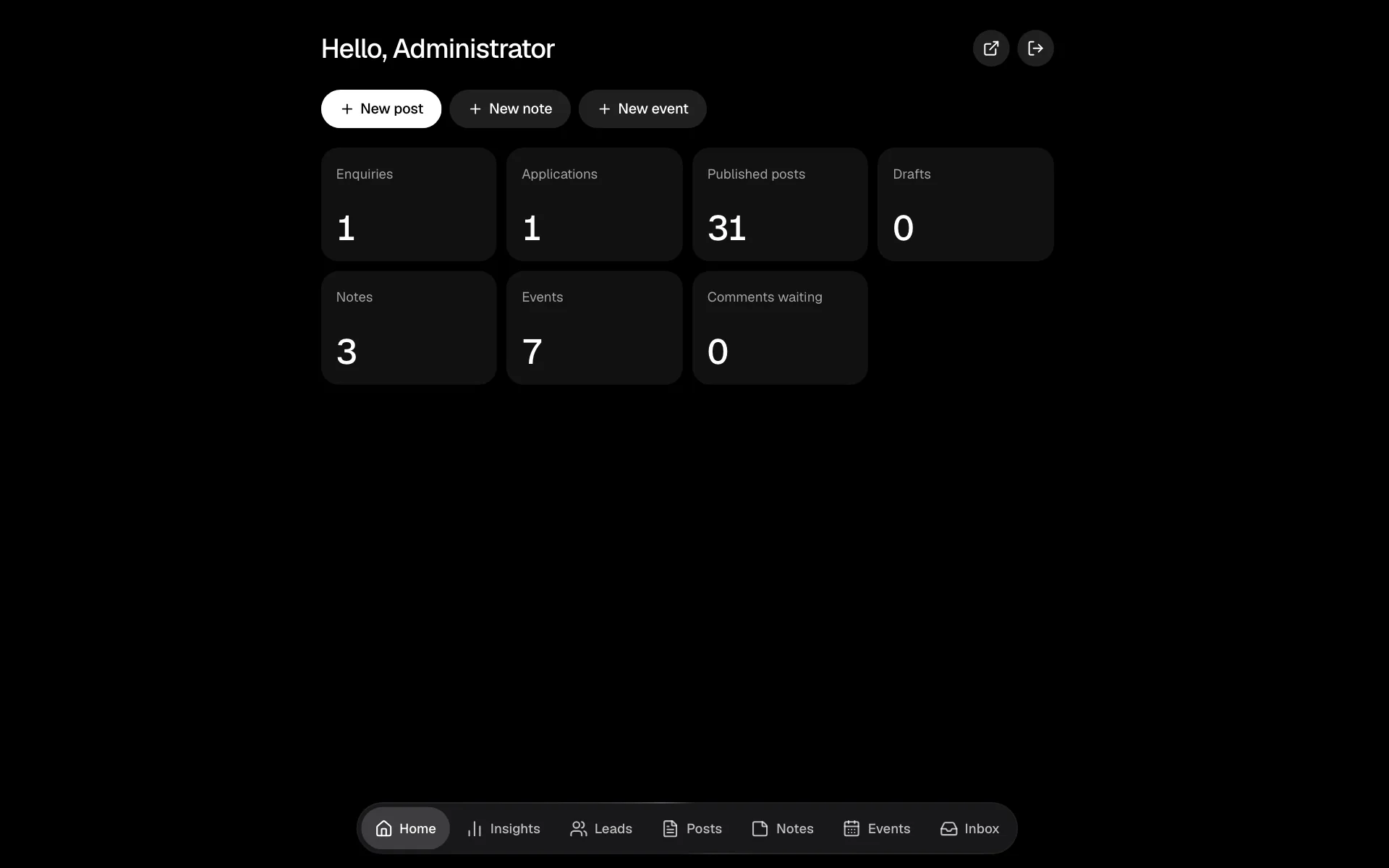
- Admin. A custom admin at pixelvise.com/admin that signs in with a WordPress login and manages everything in a phone-friendly interface.
- Apps. A Flutter app for Android and iPhone that does the same job from a pocket, with leads, posts, notes, events, comments and insights.
- Hosting. Cloudflare Pages for the site and a WordPress host for the content. A private GitHub repository holds the code.
Why static, and why it still updates instantly
We started this project on a Cloudflare Worker with a database, and then took the Worker away. Static files on Pages are unmetered, so the public site stays up even when an allowance somewhere else runs out, and we had already seen what a hit on a free request limit looks like. Every public page is generated at build time, along with its social card and a plain Markdown twin for AI assistants and other tools, for just over a hundred pages in total.
- Live in the browser. The built page ships with the content as it was at build time, then a small client component asks WordPress whether anything has changed. If a case study, a note or an event was published after the build, it appears in the list and opens on its own address straight away. If nothing changed, the page does not move.
- Never a flash. Lists and cards hold their space from the first paint, images are not faded in, and a page is only swapped when the data is genuinely different. We measure layout shift on the home page, a case study, the notes and the events pages and keep it at zero.
- Search engines see the build. Because search engines read the built HTML, new content reaches them at the next deploy. Visitors never wait for that.
The WordPress layer
Pixelvise Site adds the types we need as ordinary WordPress content. Notes and events are custom post types, and every enquiry and job application is a record too, with its fields stored as post meta, including an international phone number. No extra database tables are involved, so a plain WordPress backup carries everything. The plugin also adds the likes, the comments with a record of where each was made, the admin sign-in, an image endpoint that lets share cards be drawn on a canvas, and admin columns so leads show their phone numbers in wp-admin too.
- One content source. Case studies and articles are normal WordPress posts in categories. Existing content was moved in once, with seeding code in the plugin.
- Safe HTML. Everything that comes from WordPress is cleaned with a strict allow-list before it is rendered, in the build and again in the browser.
- Forms. The contact form, the quick enquiry sheet, the ads landing page and the careers form post straight to WordPress, which stores them and emails us. Spam is handled with a hidden trap field and a rate limit. A phone number with a country code is required on project forms, and a form only shows success when the enquiry is stored or emailed.
The admin
Sign in with the same username and password as WordPress. The plugin hands back a session token that the browser keeps, and every request carries it. There is no application password to manage and no server between the browser and WordPress.
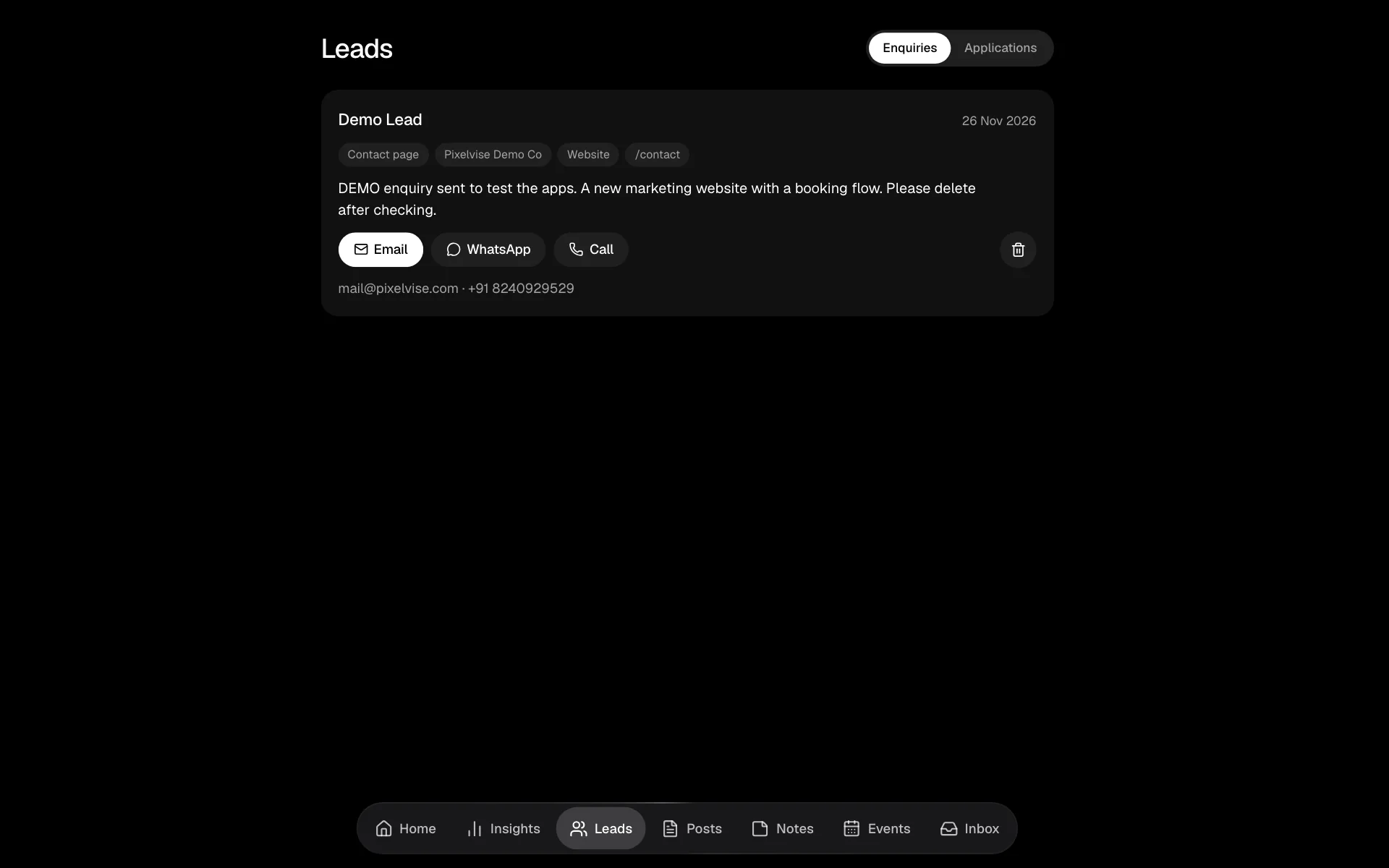
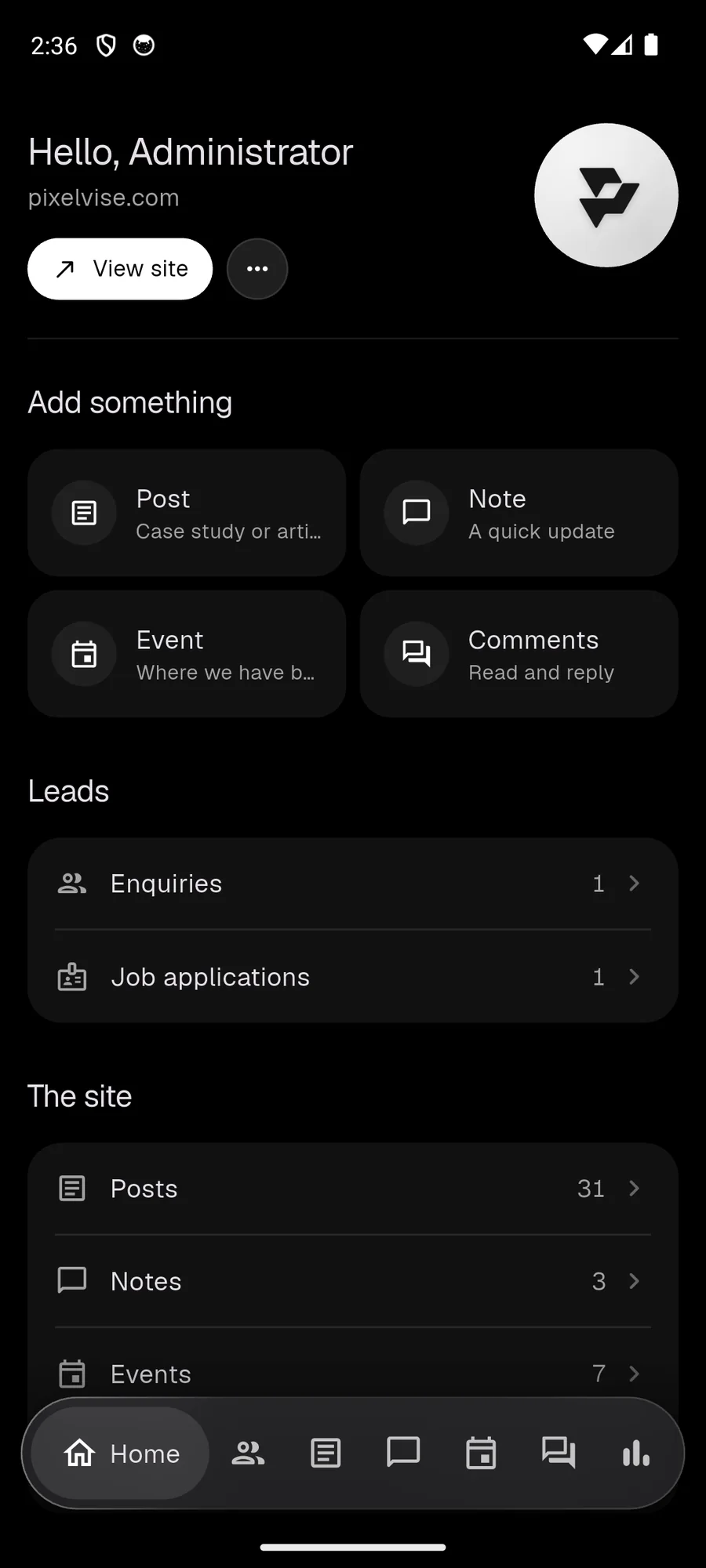
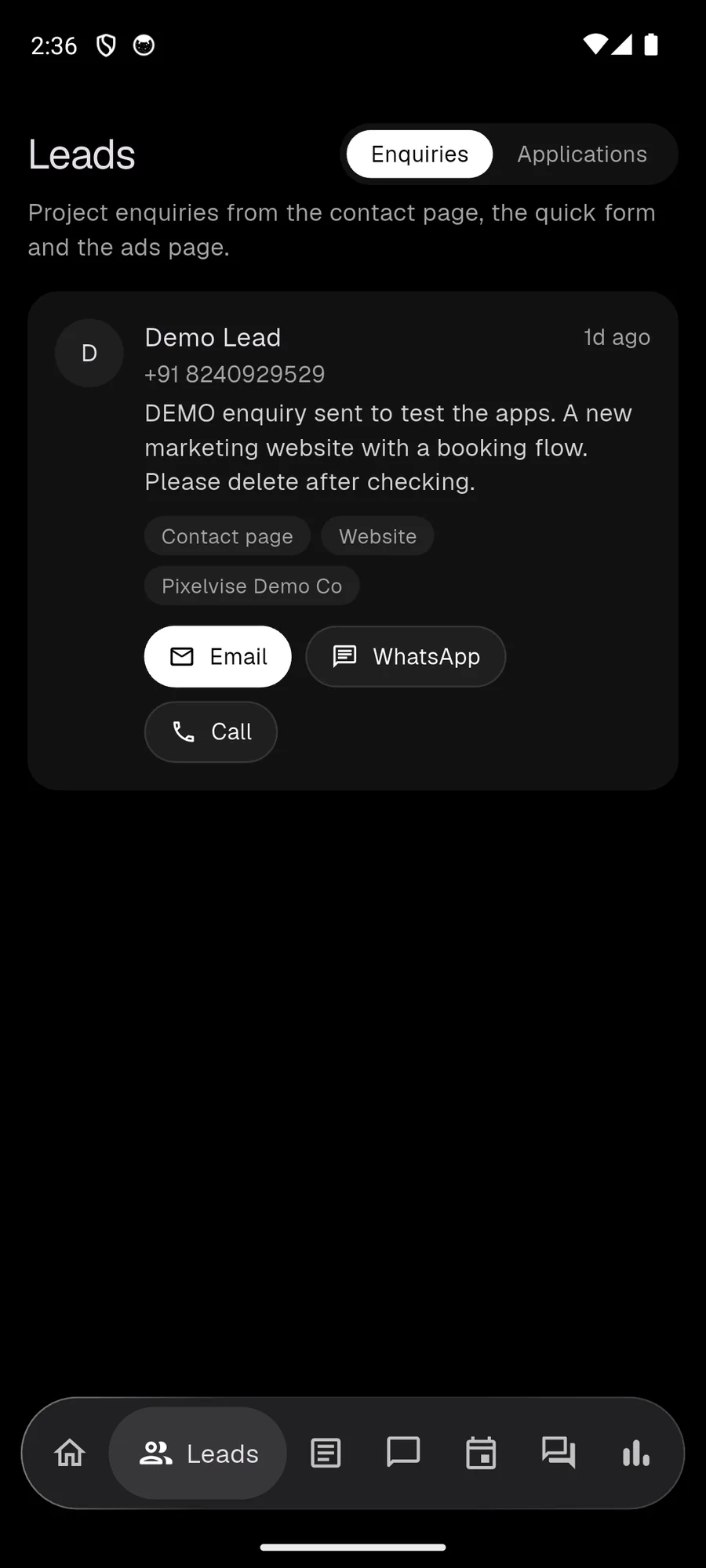
- Home and Leads. Counts at a glance and a list of enquiries and applications, with Email, WhatsApp and Call buttons on each.
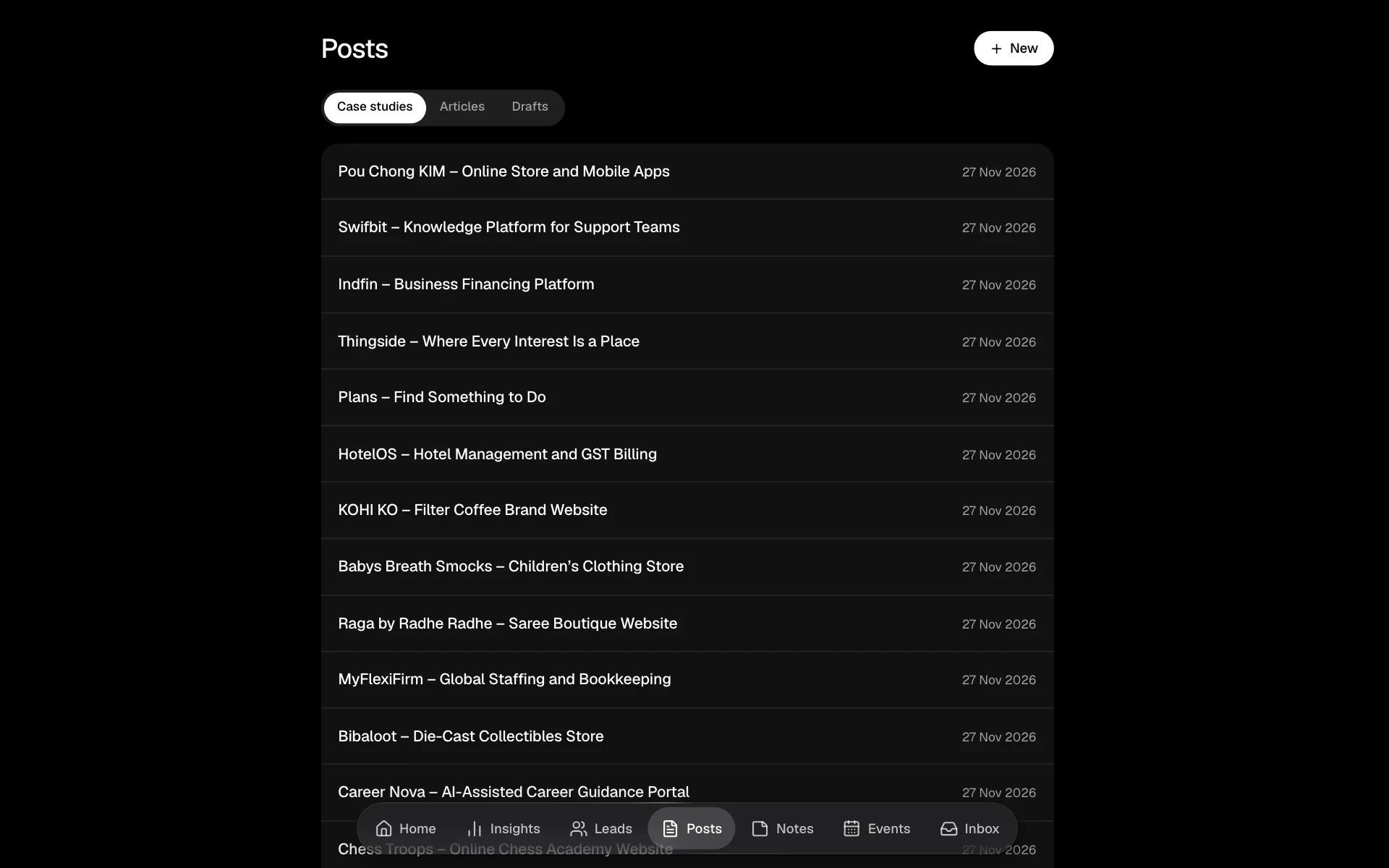
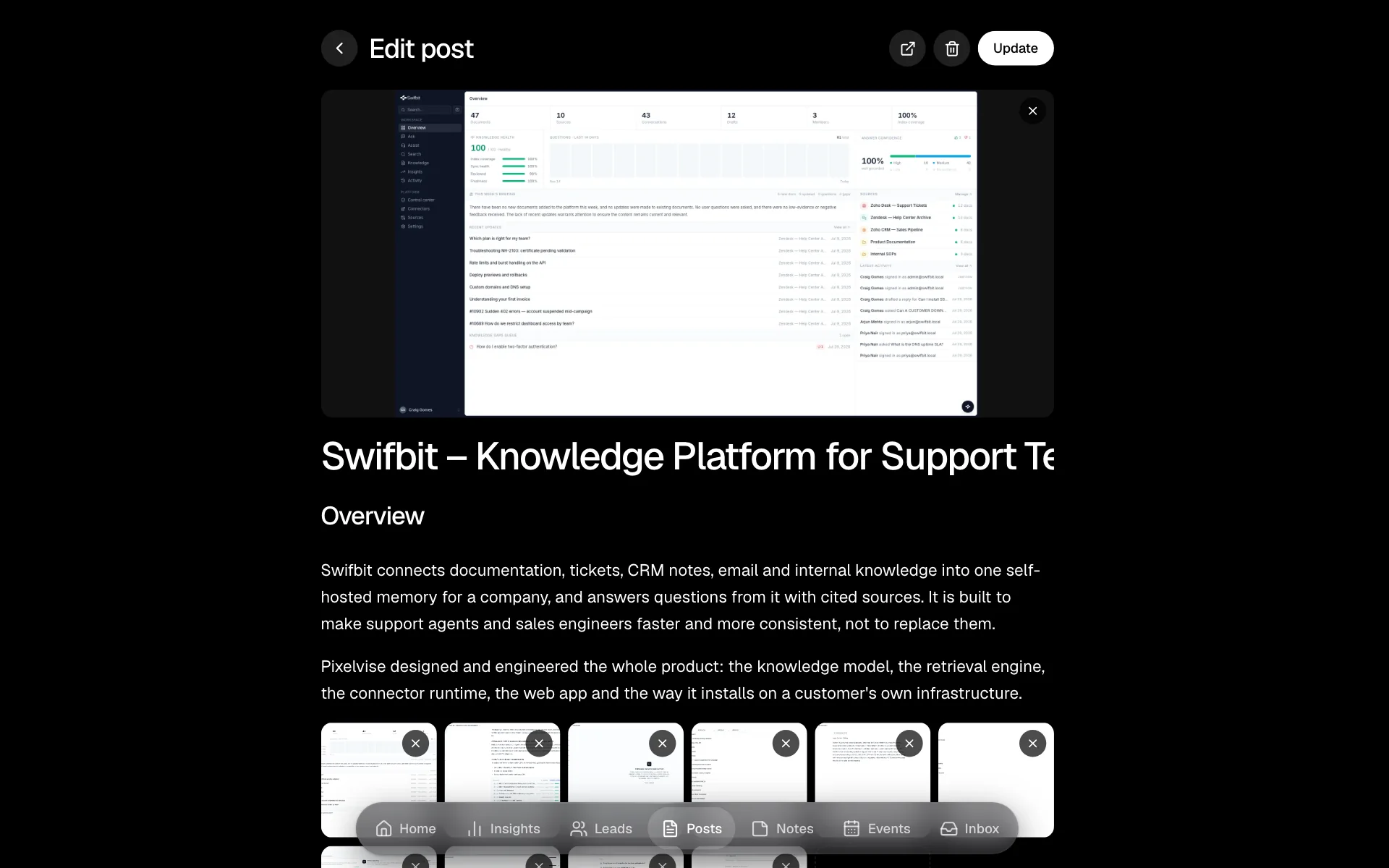
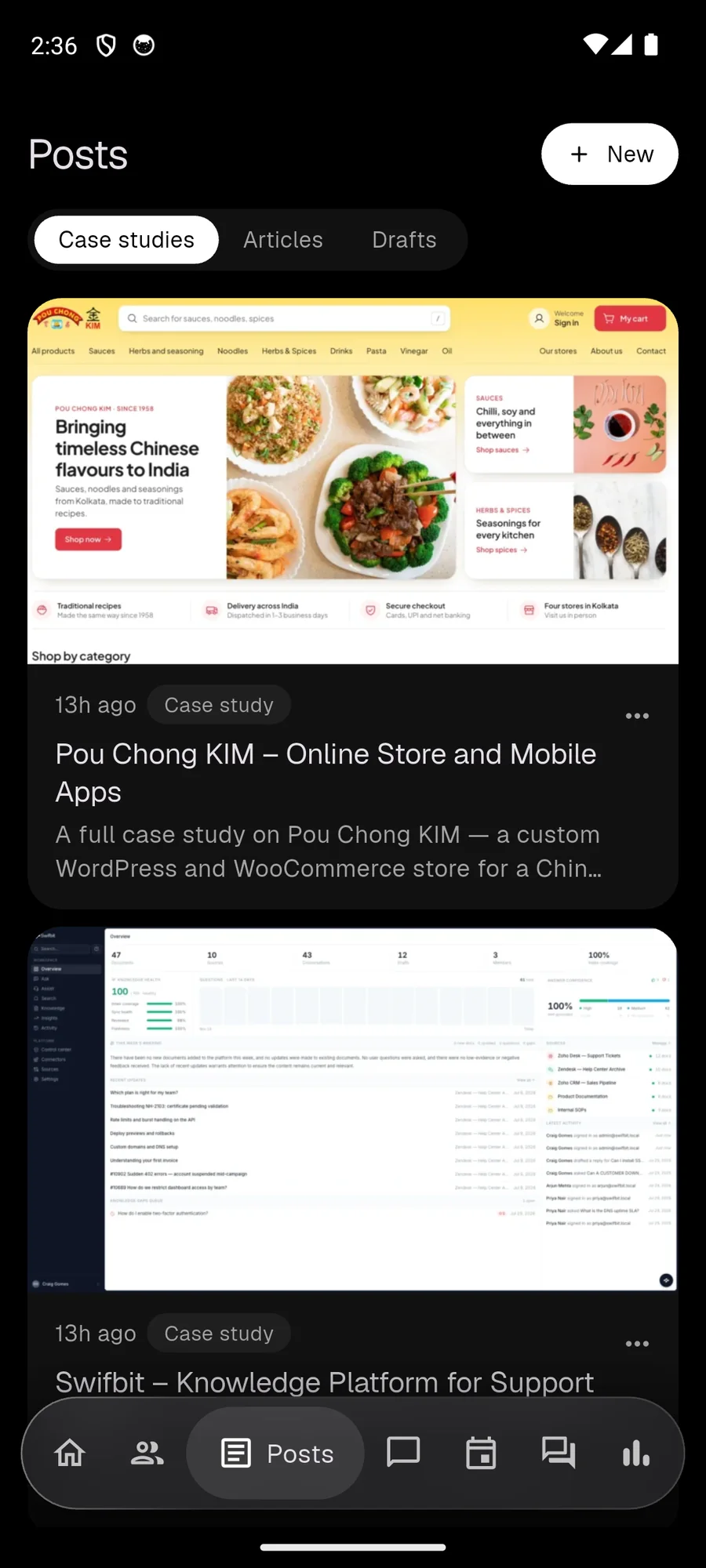
- Posts. A block editor that reads and writes WordPress block markup. A block that is untouched is written back exactly as it was, and a block it does not understand is kept whole, so a post edited here still opens normally in WordPress.
- Notes and Events. Short updates with a topic, a link and a picture, and events with a cover, details, a story and photos.
- Inbox. Comments and replies, each showing where it was made, such as a case study, a note or an event.
- Insights. The site’s own analytics, covered below.
Analytics we own
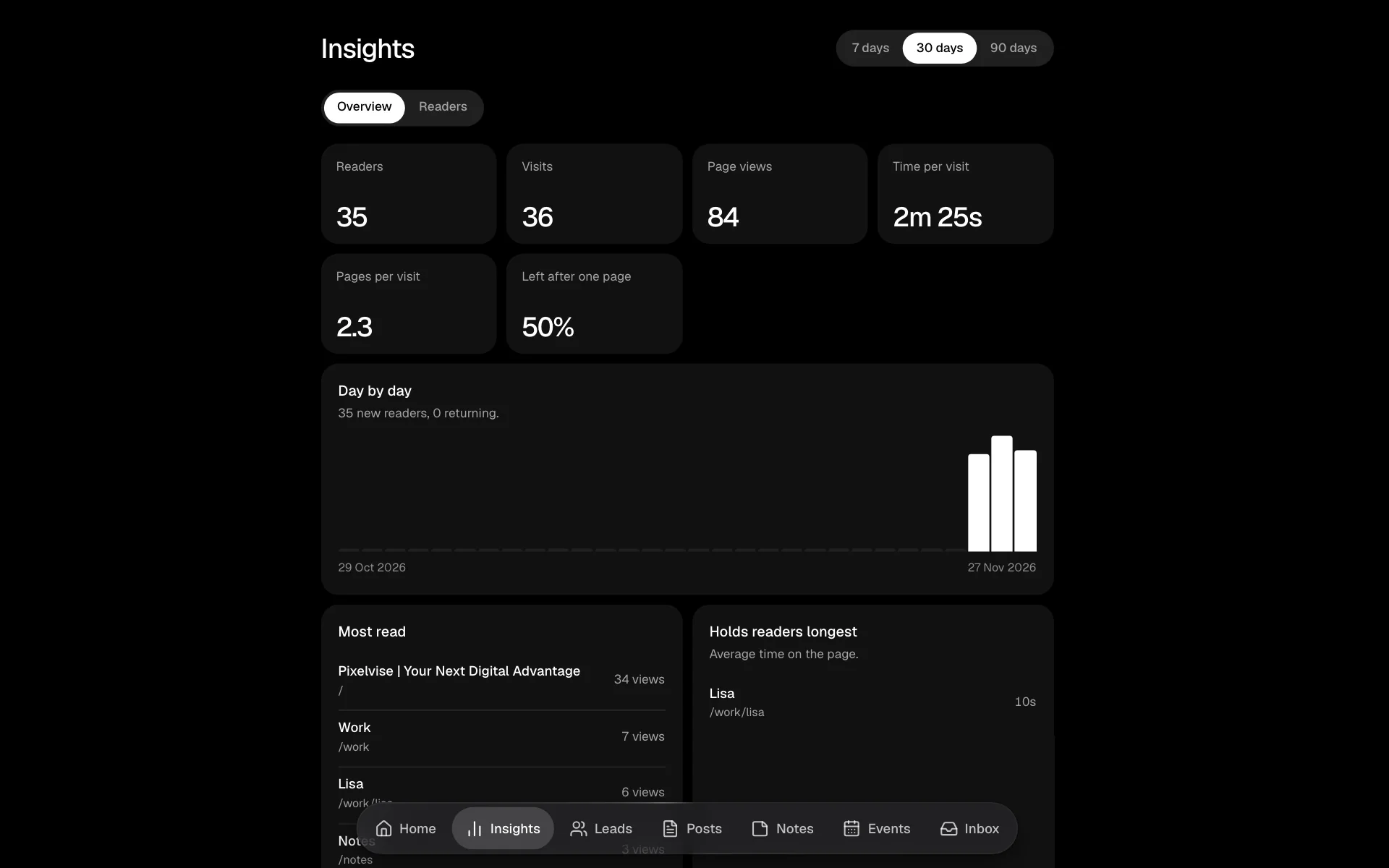
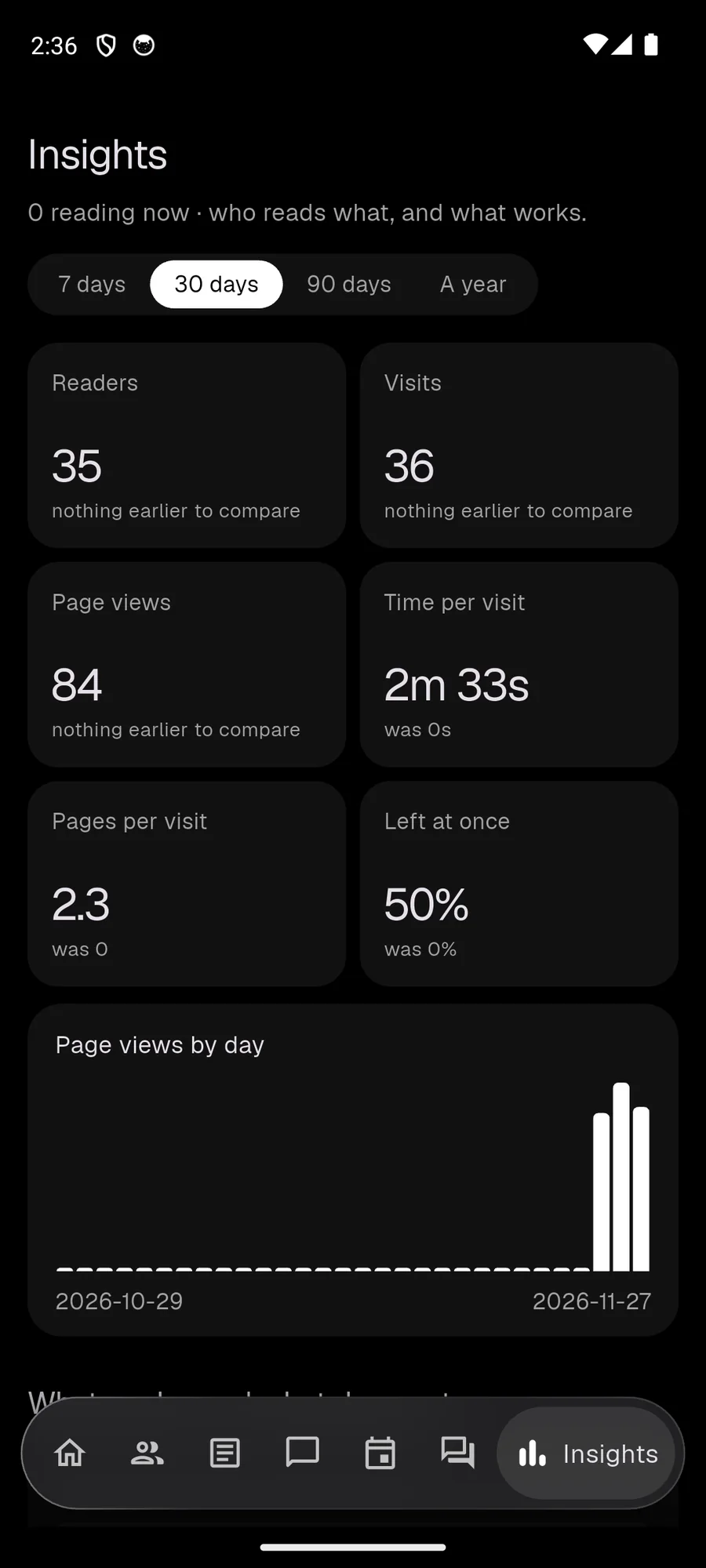
Pixelvise Insights is a first-party analytics plugin. The browser sends page views, time on a page and scroll depth to WordPress directly, with searches, shares, likes, comments and enquiries recorded as actions. Admin visits are never counted, bots are filtered, and readers are identified by a random token, not by anything personal. The report covers readers, visits, page views, time per visit and pages per visit, each against the period before, plus the pages people read most and hold readers longest, where visits come from, countries, devices and browsers, and individual readers’ histories with a Forget this reader button.
Design decisions that matter
- A flat, dark system. A true black background, white type, grey secondary text and flat grey surfaces, with Geist self-hosted. Two buttons only: a white pill and a grey one.
- Glass only where things float. The header after you scroll, menus, sheets, dialogs and the image viewer use a glass effect. Content itself stays flat, so it reads cleanly.
- Restrained motion. Short fades as sections arrive, dialogs that grow from the thing you pressed, and a dimmed image on hover. Everything respects the system’s reduced-motion setting.
- Share anywhere. A compact Share menu lists Copy link, WhatsApp, Instagram, Facebook, X, LinkedIn and Image. A place offers the link or the page as a picture in the right shape, drawn in the browser on a canvas in dark or light.
- Comments and likes. Case studies, articles, notes and events all take likes and comments, with replies, and the commenter’s name and email remembered after the first time.
The mobile apps
We built the Pixelvise app on the same foundation as the app we use for craiggomes.com, so it looks and behaves the same: black, white and grey, Geist type, flat content and glass only on the floating tab bar, sheets and viewer controls. It talks to the same two plugins as the web admin, signs in the same way, and has no backend of its own.
- Leads. Every enquiry and job application with the phone number, the service and the message, and one tap to Email, WhatsApp or Call.
- Posts. Case studies, articles and drafts in the same block editor as the web, saved as real WordPress blocks.
- Notes and Events. Post an update from the phone, or add and edit events with their photos.
- Inbox and Insights. Reply to and moderate comments, and read the analytics: readers, visits, pages and where they come from.
- Security. The password is not kept. The site hands back a session that is stored on the phone, encrypted, until you sign out.
- Built with. Flutter and Dart, with secure storage for the session. There is an Android APK for sideloading, and an iPhone build installed through free Apple signing that is renewed every seven days with one command.
Building and releasing
One command builds the whole site against the live WordPress, saves every page, social card and Markdown twin, and writes the redirects and headers. A second command uploads it to Cloudflare Pages. The build retries when WordPress answers with a temporary server error, so a hiccup on the content host does not fail a release. The code lives in a private GitHub repository.
How we tested it
- Two browser engines. Playwright drives Chrome and WebKit across desktop and phone widths: navigation, forms, Like and Comment, the share menu, the admin and late-published content.
- Layout shift. Measured on the pages that matter and kept at zero.
- Apps. The Android app was run on an emulator against a test WordPress and then the live site, covering sign-in and each tab, and the iPhone build was installed on a real phone.
What is next
We will keep adding case studies and articles, tighten the apps and keep the analytics honest. If you want something like this for your own business, a fast public site that you can manage from your phone, tell us what you are building.